Send a day from the trip
After a destination stop, turn a camera-roll photo into a travel postcard and send it to friends or family the same day.
Turn a journey photo into a digital travel postcard in about 30 seconds — pick a look, drop a photo, add a note, and share a link.
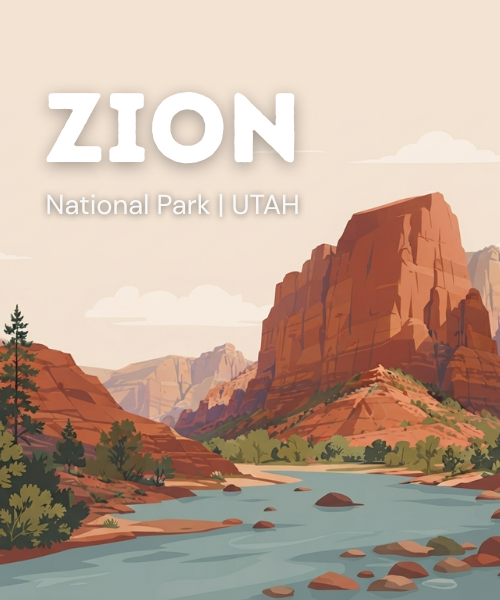
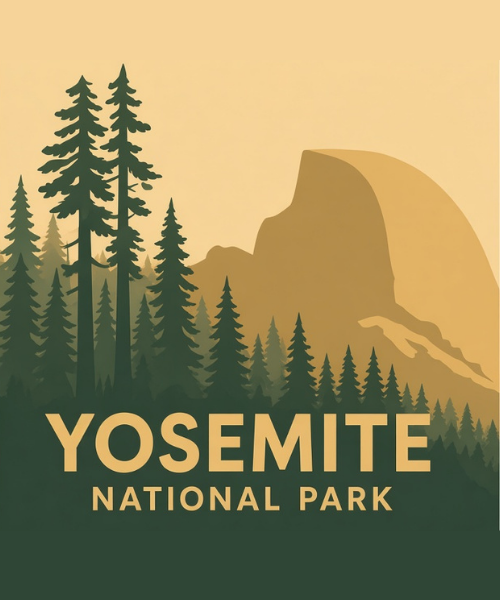
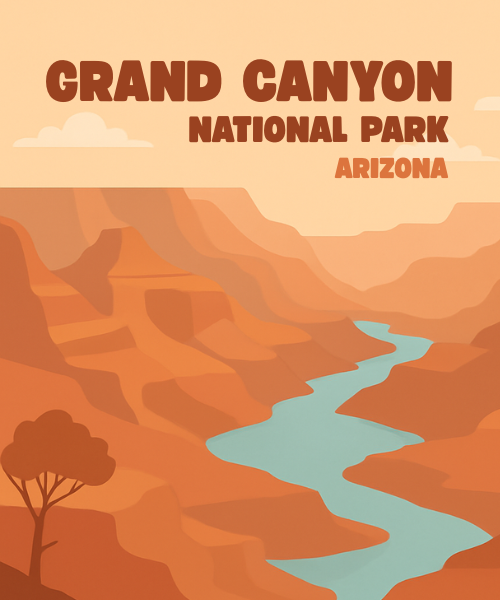
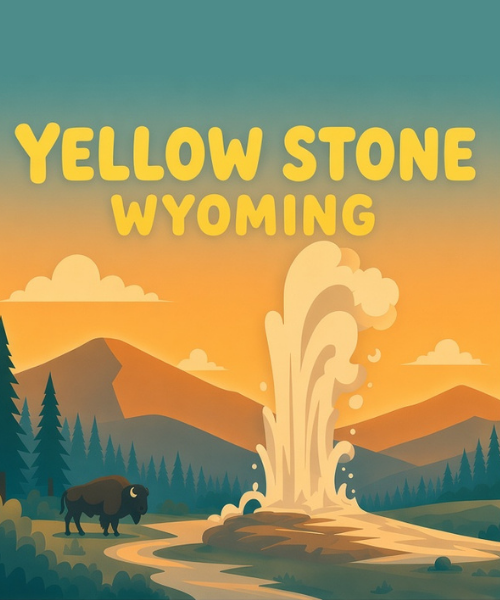
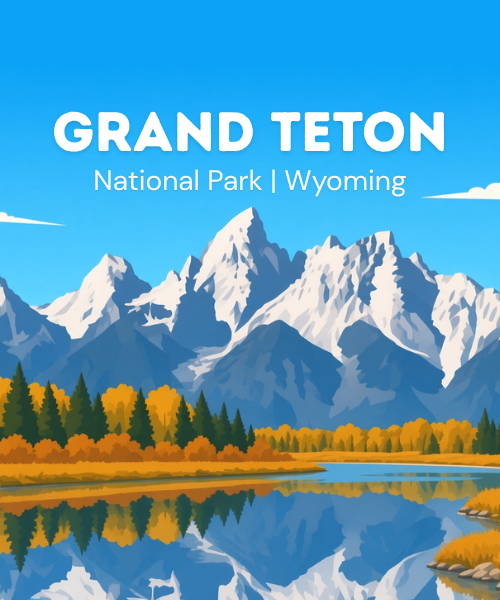
Choose a travel postcard style that fits your destination or the beautiful place you want to remember.
Add a camera-roll shot from the trail, overlook, or a moment on the journey.
Refresh a ready travel line or write a short note for the inside of the card.
Generate your digital travel postcard, then send a link they can open and flip through.
A digital travel postcard maker for journey photos — keep the moment, then share it in seconds.
After a destination stop, turn a camera-roll photo into a travel postcard and send it to friends or family the same day.
Save an overlook, trail view, or shared moment as a digital postcard you can reopen later — photo, note, and date together.
No layout skills needed. Pick a look, upload, write a line, generate, and share a link recipients can flip through in the browser.
Travel postcard looks
Postcard styles inspired by beautiful travel destinations, famous scenic spots, and national park journeys worth keeping. Tap a look to apply it to the maker above, then drop in your photo.
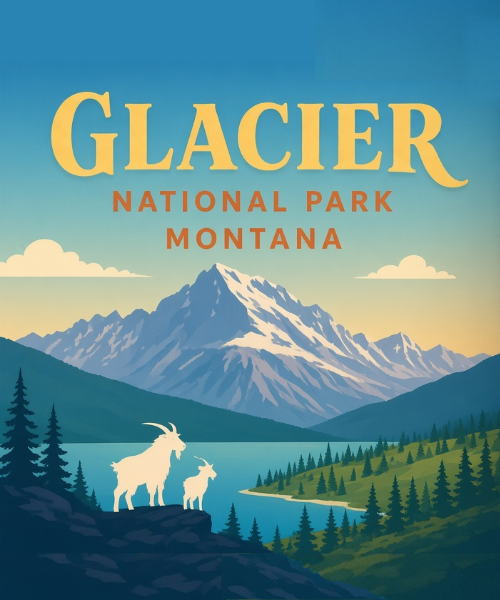
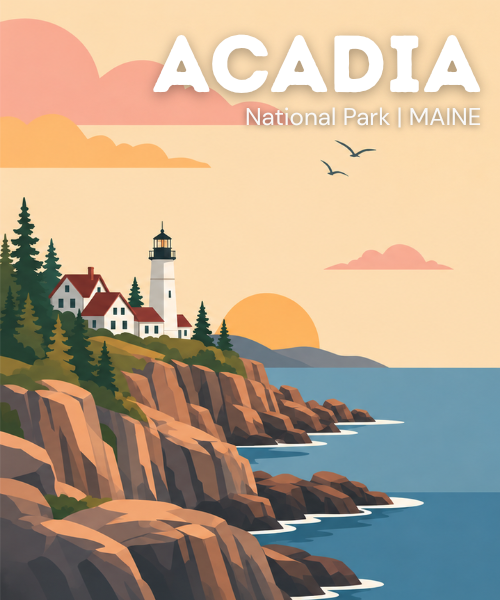
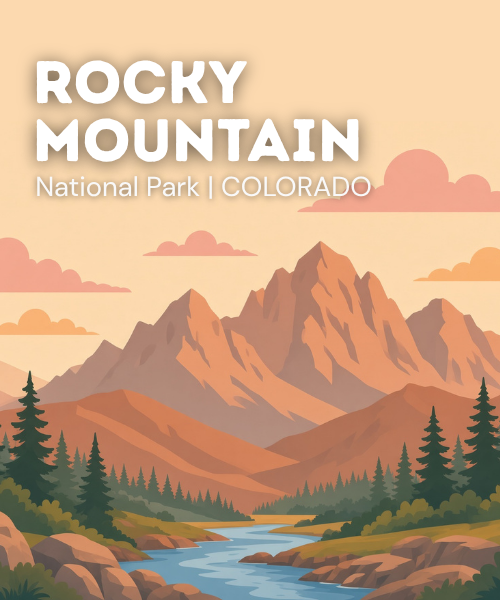
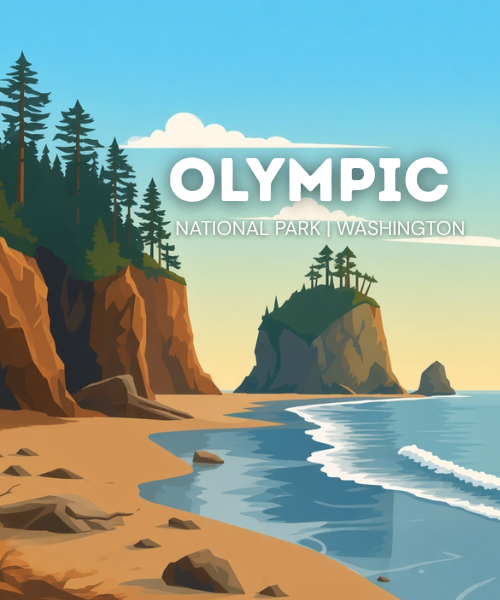
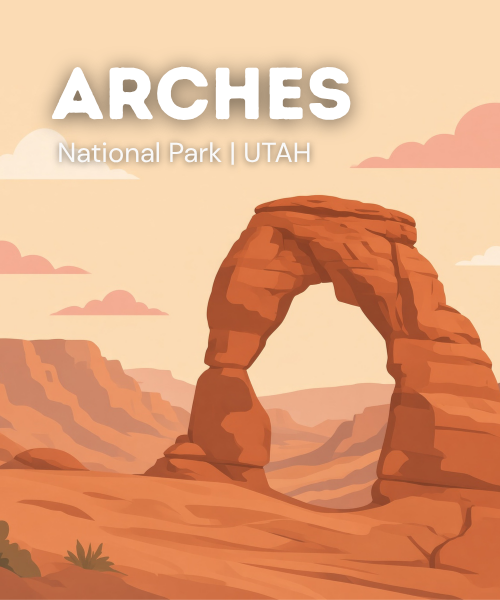
A Flippos travel postcard is a digital travel card you make from a photo already on your phone. You pick a destination look — including national park inspired styles — drop a camera-roll photo, add a short message, and generate a shareable postcard in about 30 seconds.
Choose a travel postcard style, upload a photo from your camera roll, write or refresh a travel line, optionally sign your name, then tap Make postcard. Flippos builds the card and gives you a link you can send.
Browse travel collections for styles inspired by beautiful destinations, scenic spots, and national park journeys. Tap a look to apply it to the postcard maker at the top of this page. You can also explore more ideas on the travel cards browse page.
Anyone who wants to keep a trip moment and send it quickly: a trail overlook with a friend, a family visit to a beautiful place, or a postcard-style note home after a road trip. No design skills are required.
Yes. After you generate the postcard, Flippos gives you a link you can share by message, email, or social. Recipients open the card in their browser and can flip through the pages.
If you have a fully customized design in mind or want a more powerful design experience, try the full customize design flow. Or browse more park ideas on the National Park travel cards page.
Browse All Templates